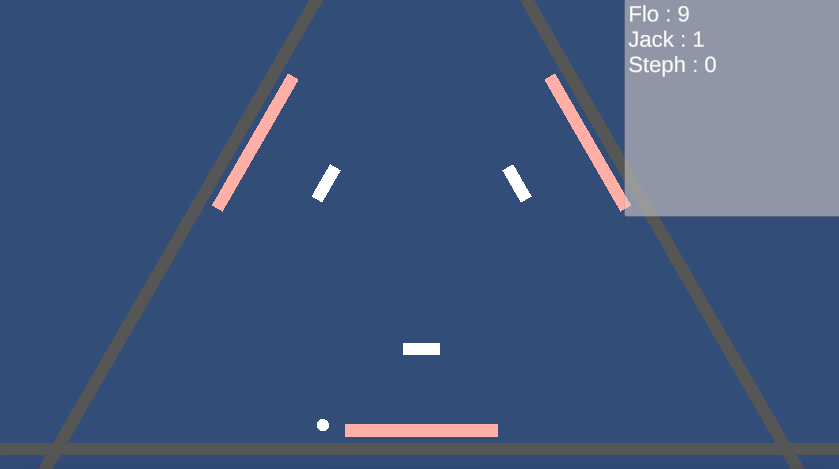
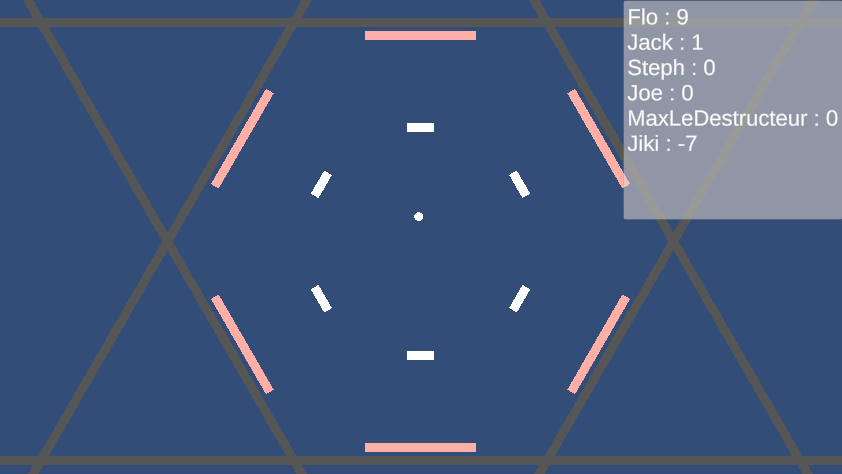
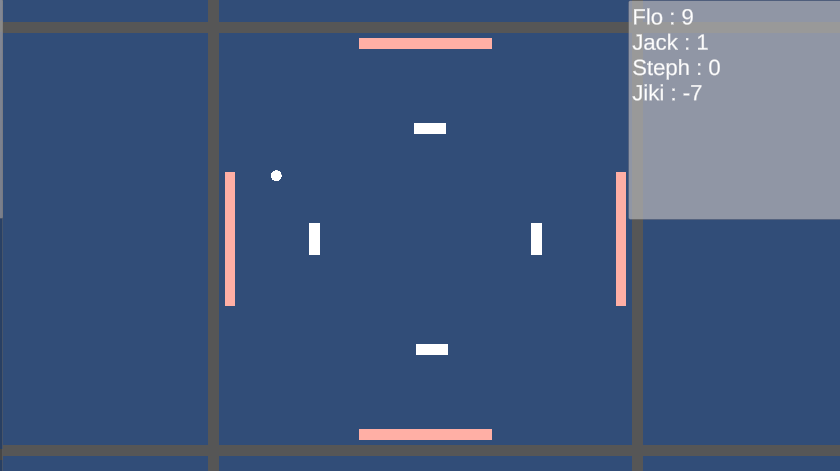
ThousandsPong is a multiplayer Pong game built with Unity and hosted on a personal server. Unlike a classic two-player Pong, the arena dynamically reshapes itself into a regular polygon (n-gon) whose number of sides matches the number of currently connected players : each player defends one side of the arena.
Each player defends a goal with a paddle positioned on their side of the polygon. When a goal is hit by the ball, the player defending it loses a point, while the last player to have touched the ball with their paddle before the impact scores a point.
When the game launches, the player is asked for a nickname. This nickname is sent to the server, which looks it up in its local PostgreSQL database : if an entry already exists for that name, the associated score is retrieved and the player resumes their progress ; otherwise, a new entry is created. Each player’s score therefore persists from one session to the next, including when it is negative.
The entire game logic (ball movement, goal detection, score calculation, arena reshaping) is handled with server authority. This networking architecture is built on Unity’s Netcode for GameObjects package (with Unity Transport), which handles state replication and synchronisation between the server and the clients. The server runs a dedicated Linux build of the game, executed on the personal server ; the clients (Windows and Linux builds) only forward player input and display the state received from the server. This design prevents any client-side cheating and centralises the handling of connections and disconnections, in particular to recompute the arena’s shape whenever the number of players present changes.
The personal server hosting the game is hardened in several ways : a firewall restricts exposed ports, processes run with minimal privileges, and web exposure goes through Caddy as a reverse proxy (with automatic HTTPS management), with the domain name provided by DuckDNS.
A small website (an index.html file, a .js
file, and a lightweight Python backend) allows the
Unity dedicated server process to be started and stopped remotely. The
backend triggers these actions through a dedicated
sudoers rule, precisely restricting the commands the
website is allowed to run with elevated privileges (only starting and
stopping the relevant service), with the game process itself managed as
a systemd service (.service).
To limit abuse from bots repeatedly starting/stopping the server process, the website includes a Cloudflare Turnstile challenge before triggering the action.
A systemd timer (.timer) periodically
triggers a script that inspects the service’s journalctl
logs to count player connections and disconnections and determine
whether any players are currently present. If the arena has been empty
for a certain amount of time, the script automatically stops the game
server process so as not to waste resources.
The website allows the Windows build and the Linux build of the game to be downloaded directly, available at florian-boisset.duckdns.org.